Introduction
Having a clear grasp of where your phone’s lights are can significantly enhance your interaction with your device. These small but vital features not only assist in everyday tasks but also contribute to the overall functionality of your phone. So, let’s delve into where these lights are found and how to optimize their use.
Types of Lights Found on Modern Phones
Modern phones come with a variety of lights designed for different purposes. Here’s what you typically find:
Flashlight/Flash
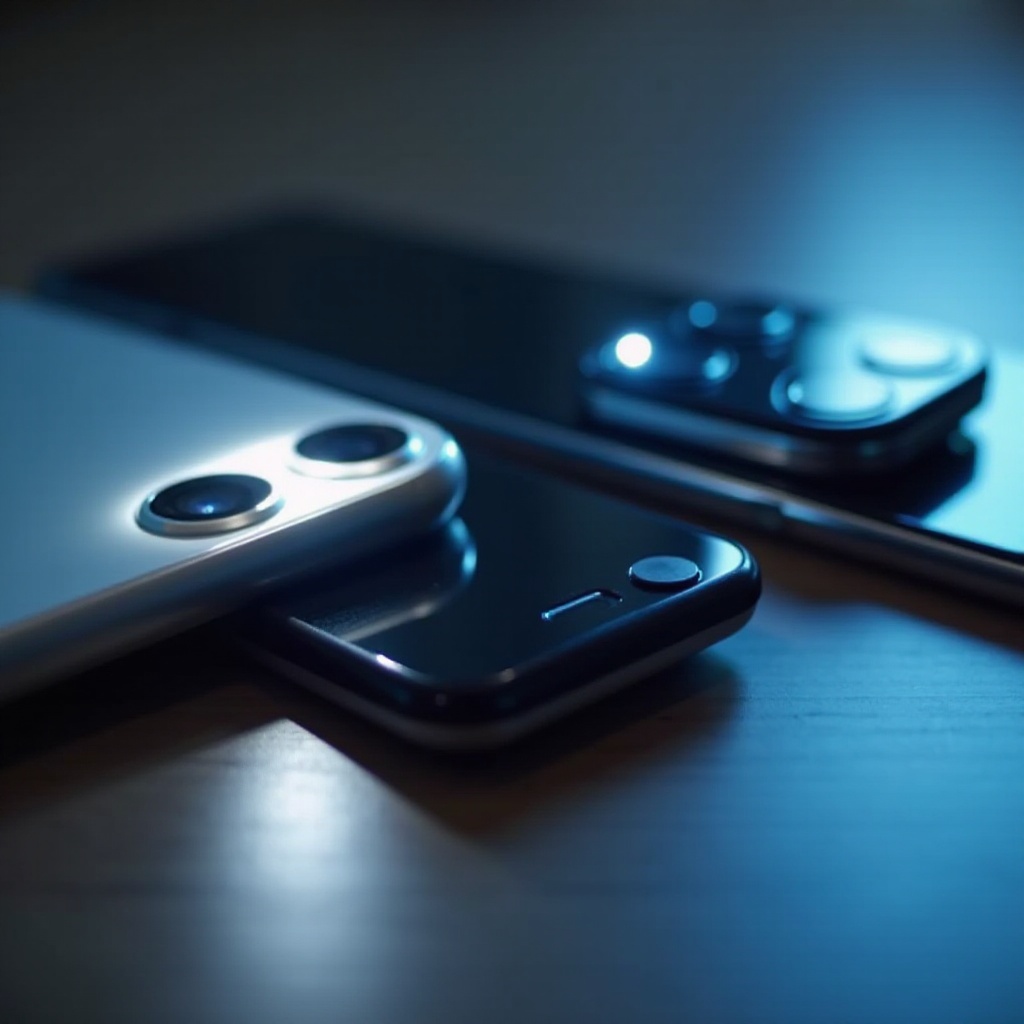
The flashlight, often adjacent to the rear camera, serves dual purposes: a quick light source and a flash during photography.
Notification LED
Typically positioned on the front of the phone, this small LED light signals incoming messages, low battery status, or other alerts without needing to unlock your device.
Ambient Display Lights
These lights highlight notifications on your screen, providing quick updates when you pick up your phone without unlocking it.
Infrared Light for Face Recognition
This discreet component, usually near the front camera, plays a crucial role in facial recognition security features.
Locating Phone Lights on Popular Models
Knowing the exact location of phone lights on your device helps in their effective usage.
iPhone Models
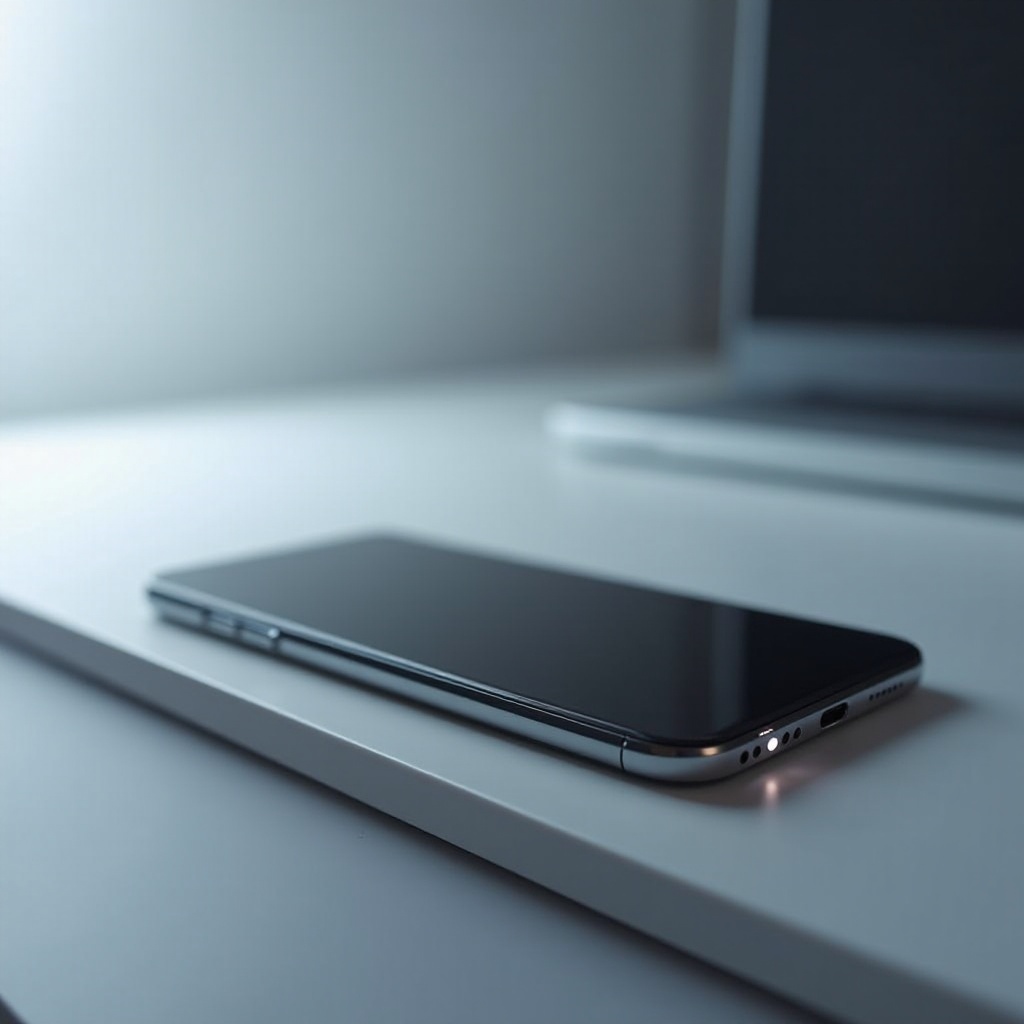
iPhones typically place the flashlight next to the camera, while notifications are integrated within the display. Infrared components for Face ID are near the front-facing camera.
Samsung Galaxy Series
In Samsung’s Galaxy lineup, the flashlight is near the rear camera. Most models use the screen for notifications, though some older models may have a separate notification LED. Face recognition components, when present, follow a similar design to Apple’s.
Google Pixel Phones
Google’s Pixel phones locate the flash near the main camera. Notifications are prominent on the screen, and they include infrared components for facial recognition in newer models.
As you can see, manufacturers strategically place these lights to blend seamlessly with the phone’s design, ensuring both functionality and aesthetics.
Practical Uses of Phone Lights
Your phone’s lights, though often overlooked, have significant practical uses that enhance your day-to-day activities.
Using Phone Flashlight Effectively
Whether lighting up a dark path or assisting with reading in dim conditions, your phone’s flashlight is indispensable. Turn it on by accessing the quick settings menu and tapping the flashlight icon.
Importance of Notification Lights
Notification lights provide quick visibility for alerts. They save both battery life and time by informing you immediately of important notifications with just a glance, customizing them helps prioritize alerts by altering light colors and blink rates for different apps.
Understanding and customizing these features according to your needs can greatly improve your device’s utility and efficiency.
Troubleshooting Common Issues with Phone Lights
Despite their utility, phone lights can sometimes malfunction. Knowing how to troubleshoot can save you time and headaches.
What to Do If Your Phone Light Isn’t Working
Begin troubleshooting by checking your light settings. Ensure there are no software updates pending. Restart the phone or reset all settings to restore functionality if needed.
Tips for Maintaining Phone Light Functionality
Regular maintenance can prevent most issues. Keep your phone’s software up to date and avoid physical damage to maintain light functionality.
A proactive approach to upkeep ensures your phone lights remain in optimal condition, enhancing your device usage and overall experience.
Conclusion
Phone lights are integral to maximizing your mobile device’s functionality. By understanding their locations and uses, you can take full advantage of these features. Use this guide to optimize your phone lights for a better user experience.
Frequently Asked Questions
How can I customize my phone’s notification light?
You can often customize your notification light through the phone’s settings or specific apps, changing light colors and blink patterns for different alerts.
What should I do if my phone’s flashlight doesn’t work?
First, check your settings, restart the device, or perform a reset. If issues persist, seek professional repair.
Are phone lights energy-efficient?
Yes, phone lights are designed to be energy-efficient, but excessive use of certain lights, like the flashlight, can increase battery drain.