Introduction
Prolonged screen time is now a norm for many, leading to increased exposure to potentially harmful blue light. Laptop users often experience eye strain, headaches, and disrupted sleep patterns due to this exposure. Anti-blue light screen protectors are an efficient solution, offering a simple way to reduce glare and block harmful emissions. In this guide, we’ll explore the top options in 2024 and help you select the best protector for your needs.

Understanding Blue Light and Its Effects
Blue light, emitted from digital screens and artificial lighting, is part of the visible light spectrum with high energy. While blue light contributes to regulating our sleep-wake cycle, excessive exposure—especially during nighttime—can lead to digital eye strain and affect sleep quality. Research shows that blue light can impact our circadian rhythms, altering sleep patterns and overall well-being.
As digital usage rises, understanding the impacts of blue light becomes critical. Protecting your eyes can enhance comfort and health, making anti-blue light screen protectors a worthwhile investment for frequent screen users.
What is an Anti Blue Light Screen Protector?
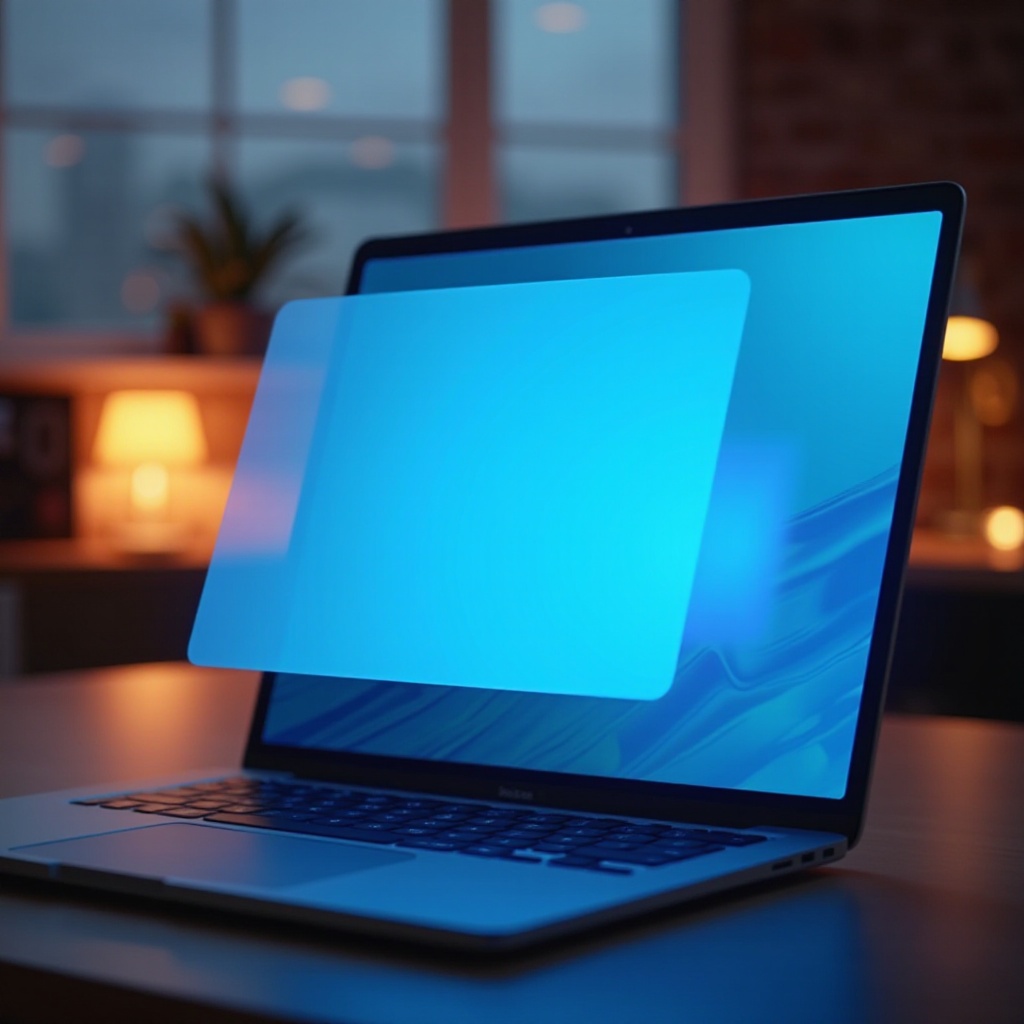
Anti-blue light screen protectors are transparent shields that fit over your laptop screen to filter out blue light. They work by selectively blocking a percentage of blue light while allowing other non-harmful light to pass through, ensuring a comfortable viewing experience.
These protectors offer several advantages: reducing symptoms of digital eye strain such as headaches and dry eyes, improving screen visibility, and minimizing glare in various lighting conditions. Their ease of use and effectiveness make them a popular choice among laptop users.
Top Features to Look for in Screen Protectors
Choosing a high-quality screen protector involves evaluating several key features:
- Blue Light Filtering Percentage: Look for protectors that block at least 50-60% of blue light for optimal protection.
- Compatibility and Fit: Ensure the protector fits your laptop model and screen size perfectly to avoid distractions and ensure full coverage.
- Durability and Material Quality: Opt for protectors made from durable materials like tempered glass or robust plastic to resist scratches and maintain longevity.
These features play a critical role in ensuring your screen protector provides effective eye protection while maintaining durability.
Best Anti Blue Light Screen Protectors for Laptops in 2024
The market offers various anti-blue light screen protectors, but here are the top picks for 2024:
-
Brand Name A – Key Features and Benefits: Known for its unparalleled blue light blocking capacity and smooth installation process, Brand A is perfect for frequent travelers.
-
Brand Name B – Why It’s a Popular Choice: Offers exceptional clarity and anti-glare properties, making it a favorite among gamers who demand a crisp visual experience.
-
Brand Name C – Best for Budget-Friendly Users: Delivers solid performance at a budget-friendly price, combining quality with affordability for cost-conscious buyers.
These protectors each offer unique benefits tailored to different user needs, ensuring you find a suitable option for your lifestyle.
How to Install an Anti Blue Light Screen Protector Correctly
Installing a screen protector may seem daunting, but a straightforward approach ensures success:
- Clean your laptop screen thoroughly with a microfiber cloth to remove dust and fingerprints.
- Align the protector with your screen, ensuring proper fit and positioning.
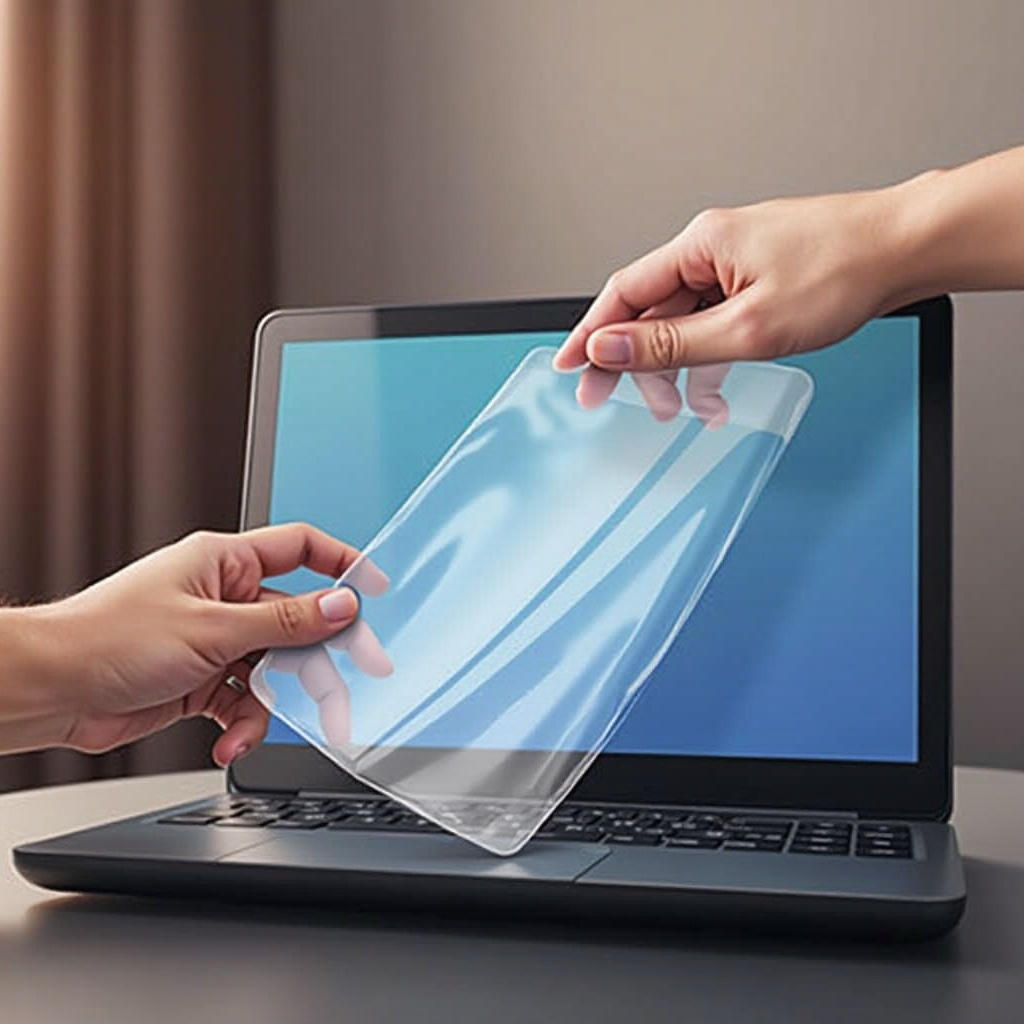
- Peel off the backing layer and gently apply the protector to the screen.
- Use a soft card or squeegee to remove any bubbles, smoothing from the center outward.
Following these steps ensures a secure, bubble-free installation, maximizing the protector’s lifespan and effectiveness.
Alternatives to Screen Protectors
While screen protectors offer significant protection, consider these additional methods to reduce blue light exposure:
- Software Solutions: Programs that adjust screen hues according to time of day to filter blue light effectively.
- Built-in Laptop Features: Many laptops have settings to reduce blue light emission, easily activated through display settings.
Combining these alternatives with a screen protector can provide comprehensive blue light protection, enhancing both eye comfort and health during prolonged screen use.
Conclusion
Ensuring your eyes are protected from blue light exposure is crucial as screen time continues to rise. Anti-blue light screen protectors offer an effective solution to mitigate digital eye strain and enhance overall comfort. By considering the features and options outlined in this guide, you can select the best protector to suit your needs, promoting better eye health in the digital era.
Frequently Asked Questions
What are the main benefits of using an anti-blue light screen protector?
They reduce eye strain and glare and block harmful blue light to protect your eyes.
How often should I replace my screen protector?
Replace your screen protector if it’s severely scratched or if you notice diminished effectiveness.
Can I use an anti-blue light screen protector on any laptop?
Be sure to select a protector compatible with your laptop’s size and model for the best fit and performance.