Introduction
Encountering black splotches on phone screens can be both alarming and annoying, especially when they disrupt daily tasks. These blemishes not only affect the aesthetic appeal of your gadget but can also hinder its functionality. Whether you’re checking emails, navigating apps, or viewing photos, these spots can obstruct essential parts of the display. Knowing the origins and solutions for these blemishes can extend your phone’s life and maintain its performance.
A deeper understanding of black splotches involves knowing their causes, how to assess them, and preventive tactics. Staying informed ensures that your phone remains free from distracting and potentially damaging pixel issues.
What Are Black Splotches on Phone Screens?
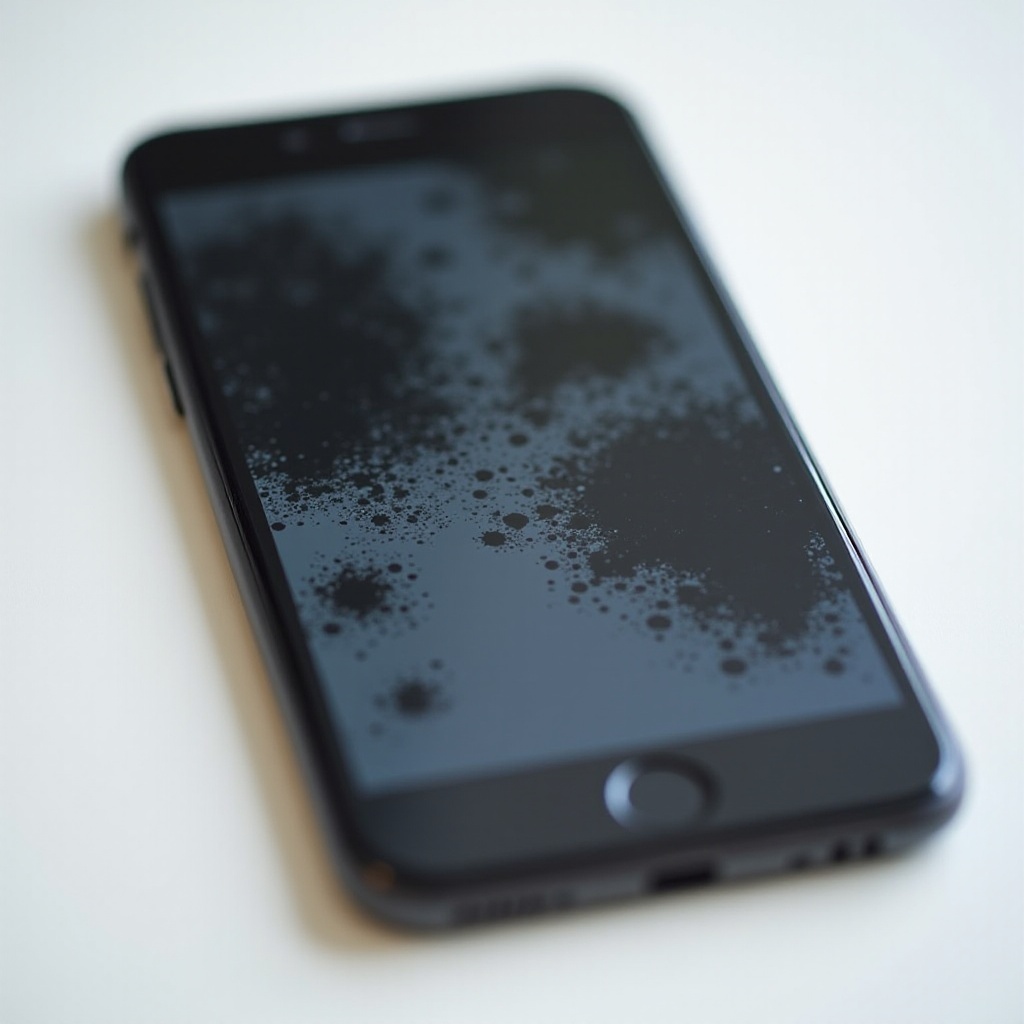
Black splotches on a phone screen typically occur when pixels either do not display colors correctly or become inactive. These can appear as tiny dots or larger blotchy areas. They are generally a sign of pixel damage which affects how light is emitted from LCD and OLED screens. At times, pixels can get stuck, become unresponsive, or die completely, leading to a non-uniform display.
These problems may not just affect the device’s appearance but can signify underlying hardware problems. By understanding the mechanics of screen technology, users can manage these issues more confidently rather than panicking at their sight.
Common Causes of Black Splotches
To address and prevent the occurrence of black splotches on your screen, it is essential to identify their root causes. Here are some common culprits:
Dead Pixels and Pixel Burnout
Dead pixels are usually the result of failures where the minute dots on your screen fail to show colors properly. On the other hand, pixel burnout can result from excessively high brightness levels sustained over time, leading to exhausted pixels that no longer emit colors correctly.
Physical Pressure Damage
Excessive pressure on the screen can stem from dropping the device or compression in a tight space like a bag. Such pressure can damage the internal components, causing misalignment and resulting in black splotches. Even short periods of pressure can lead to long-term screen issues.
Liquid Exposure
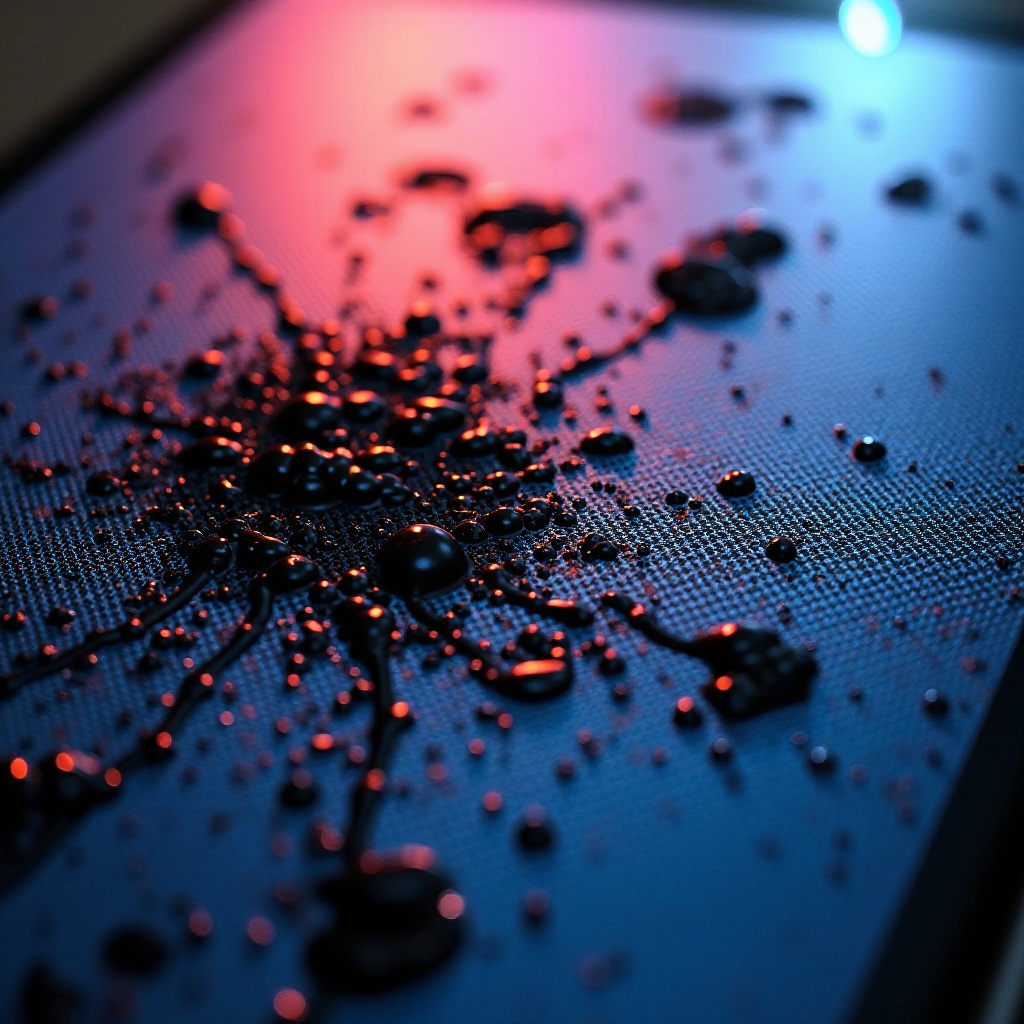
Exposure to liquids, be it water or other substances, poses a significant threat to phone screens. Liquids can seep into the device and cause internal malfunctions if the phone isn’t sealed properly. This results in black splotches as the screen’s quality deteriorates due to exposure.
Assessing the Extent of the Damage
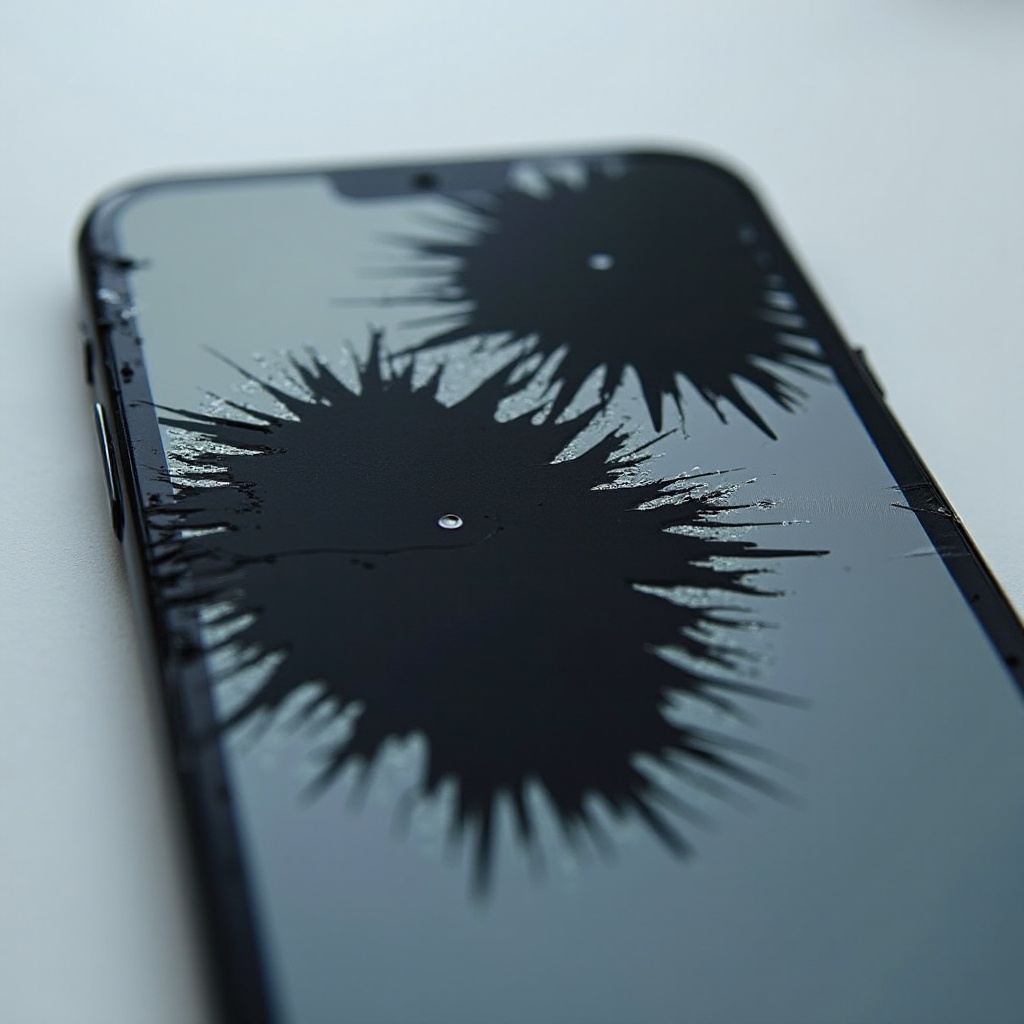
To evaluate the extent of damage caused by the splotches, observe your screen in a bright environment. Check if the black spots change in size or form. Static spots usually suggest more permanent damage. Observe how the surrounding areas respond, especially during color changes.
Utilize pixel-testing tools, apps, or browser-based resources to identify dead or stuck pixels. These tools can highlight areas that exhibit different colors or appear damaged, guiding you on how best to address the issue.
Troubleshooting and Fixes for Black Splotches
Once you’ve identified the problem, addressing black splotches effectively depends on their severity:
DIY Fixes for Minor Issues
-
Screen Massage: Apply gentle pressure with your fingers on affected parts, as this might help revive unresponsive pixels. Be cautious not to exert excessive force.
-
Device Rest: Switch off the phone and let it rest for several hours to potentially correct temporary pixel issues.
Using Pixel Fixer Apps
Apps designed as pixel fixers rapidly flash colors on your screen to stimulate the pixels, potentially rebooting those that are stuck. Regular use can sometimes bring results.
When to Seek Professional Help
If DIY methods are ineffective, it’s advisable to contact professionals. Experts can dismantle the phone to check for internal problems safely, reducing the risk of causing more damage or voiding warranties.
Preventing Future Screen Damage
Preventing black splotches is key to maintaining your phone’s functionality. Here are ways to protect your screen:
Using Screen Protectors
Invest in high-quality screen protectors classified to guard against scratches and everyday wear.
Avoiding Physical Strain
-
Careful Handling: Avoid dropping the phone and do not place it screen-side down to minimize impact risks.
-
Proper Storage: Keep your device in a secure spot, avoiding tight spaces that may apply undue pressure.
Protecting Against Liquid Exposure
-
Waterproof Cases: Utilize waterproof covers to protect against spills.
-
Mindful Usage: Be cautious when using your phone near water unless it’s rated water-resistant.
Conclusion
Black splotches on phone screens are not just cosmetic concerns; they can hint at deeper hardware issues or improper usage. Recognizing these causes, prevention strategies, and solutions is critical for the longevity and efficiency of your device. While DIY solutions may work for minor cases, professional repair remains the most secure option for extensive screen damage.
Frequently Asked Questions
Can black splotches go away on their own?
While some minor black splotches may fade with time or rest, persistent splotches often require intervention.
How much does it cost to repair screen splotches?
Repair costs vary widely but often range from $50 to $300, depending on your device model and repair complexity.
Are black splotches covered under warranty?
Coverage depends on your warranty terms. Typically, damage from wear, liquid, or impact may not be covered. Always check with the manufacturer.