Introduction
The surge in mobile gaming on iPhones means gamers are seeking better ways to play. A mobile game controller is an essential accessory that transforms your device into a more traditional gaming experience. By understanding what to look for, players can enhance their control and precision, taking their gaming to new heights. In this guide, we delve into the best mobile game controllers for iPhones, offering insights into making the perfect choice.
Why a Mobile Game Controller Matters for iPhone Gaming
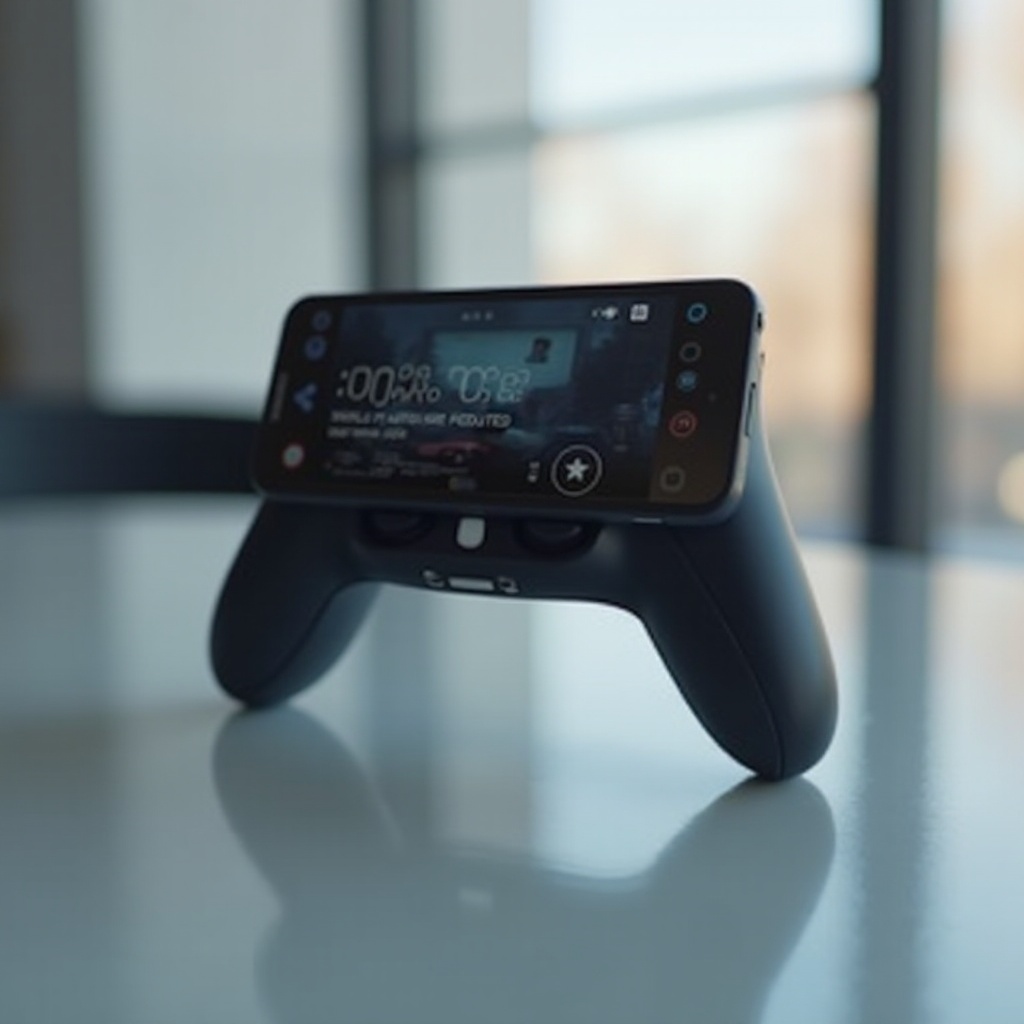
Using a mobile game controller bridges the gap between mobile devices and consoles. With physical buttons and grips, players gain a far superior level of control over touchscreen interfaces. The tangible feedback from buttons allows gamers to execute precise movements and actions, crucial in high-stakes competitive gaming.
Moreover, controllers reduce hand fatigue often associated with prolonged touchscreen use. This added comfort means longer, more enjoyable gaming sessions. As players increasingly seek a console-like experience on their phones, investing in a high-quality controller becomes an obvious move.
Key Features to Consider When Choosing a Controller
Before purchasing a controller, it’s important to evaluate specific features that will enhance your gaming experience:
- Ergonomics and Comfort: Ensure the controller design is comfortable for extended use, with ergonomic grips and intuitive button placement.
- Battery Life and Charging Options: A controller with long battery life ensures uninterrupted gameplay. Consider options that support charging while playing.
- Connectivity and Compatibility: Verify that the controller is compatible with your specific iPhone model and gaming apps. Bluetooth connectivity is commonly used for its ease and reliability.
By focusing on these features, gamers can select a controller that truly elevates their gaming sessions. With this foundation, let’s explore the leading controllers in 2024.
Top Mobile Game Controllers for iPhone in 2024
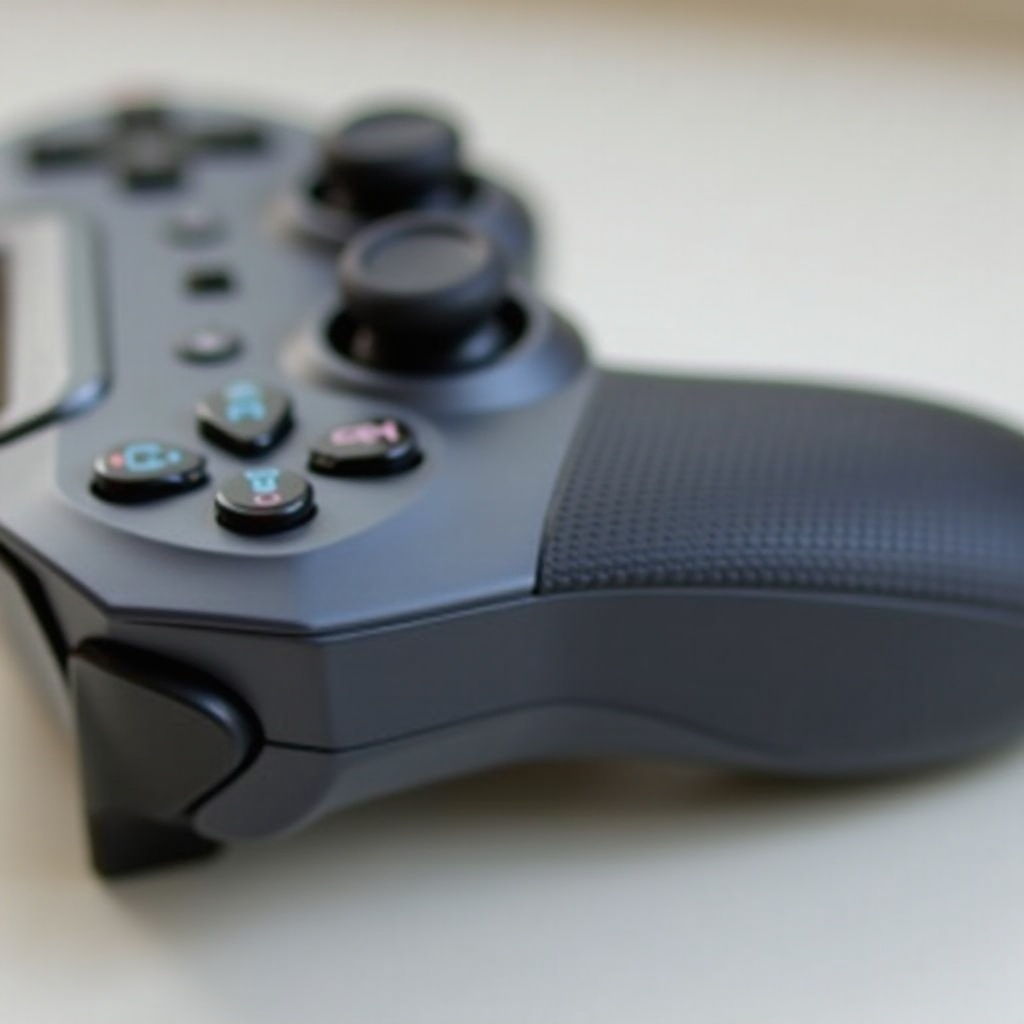
Navigating the wealth of options for controllers can be daunting. Here are some standout choices in 2024:
-
Backbone One: This model excels in its seamless iOS integration and an accompanying app that manages games effortlessly. It receives high marks for comfort and button responsiveness.
-
Razer Kishi: Tailored for competitive settings, the Razer Kishi minimizes latency with its direct device connection. Its compact, travel-friendly design makes it ideal for gaming anywhere.
-
SteelSeries Nimbus+: Known for its customization options, it offers an extended battery life and a range of adjustable button configurations, catering to serious enthusiasts.
Each controller brings unique attributes, appealing to different gaming styles. Assessing these can guide you to the right choice.
Comparison of Best Controllers
Understanding the differences can help decide which controller fits your style:
- Backbone One:
- Pros: Advanced integration, high responsiveness, comfortable.
-
Cons: Higher price point.
-
Razer Kishi:
- Pros: Minimal latency, compact design, robust connectivity.
-
Cons: Limited compatibility with some non-standard games.
-
SteelSeries Nimbus+:
- Pros: Highly customizable, robust battery life.
- Cons: Bulkier build may not suit all users.
Choosing the right controller involves weighing these factors against personal preferences and gaming habits. Armed with your chosen controller, optimizing its potential follows naturally.
Tips for Maximizing Your Mobile Gaming Experience
Once your controller is ready, these tips can optimize your gaming setup:
- Setup: Follow the device’s pairing instructions carefully to ensure a smooth connection with your iPhone.
- Customize: Tweak button mappings and sensitivity in your games to suit personal strategies and comfort.
- Maintenance: Regularly clean your controller and update any available firmware to maintain peak performance.
With these practices in place, your mobile gaming sessions can become smoother and more immersive.
Conclusion
Investing in the right mobile game controller for your iPhone can transform your gaming experience. Whether it is the integration and comfort of the Backbone One, the portability and connectivity of the Razer Kishi, or the customizable options of the SteelSeries Nimbus+, each controller offers distinct advantages. Ensuring you select based on key features like ergonomics, compatibility, and battery life will yield the best gaming outcomes.
Frequently Asked Questions
What games are compatible with iPhone controllers?
Most popular App Store games, including many Apple Arcade titles, support iPhone controllers. Compatibility details are typically listed in the game’s description.
How do I connect my controller to my iPhone?
Enable Bluetooth on your iPhone, then set the controller to pairing mode. Select the controller in the list of available devices to connect.
Are there controllers for larger hands?
Yes, some controllers offer larger grips and customizable features to accommodate different hand sizes, ensuring comfortable use during gameplay.