
Introduction
Computer setups have advanced significantly, with integrated cases featuring built-in monitors gaining popularity for their space-saving design and enhanced functionality. These solutions are perfect for those looking to streamline their workspace without sacrificing performance. Whether you’re upgrading your work-from-home setup or enhancing your gaming experience, a computer case with a monitor can offer the ideal solution. This guide provides an in-depth look at what these setups offer and how to choose the best one for your needs.
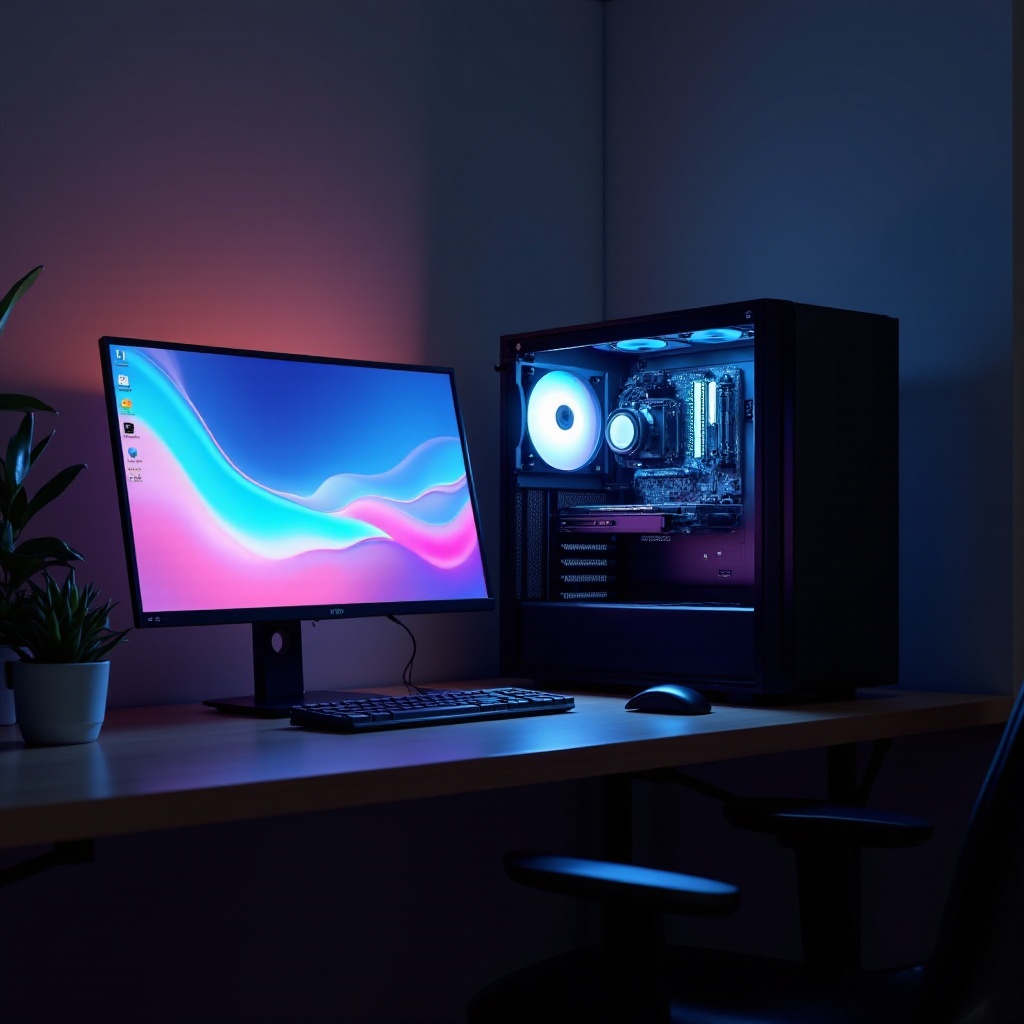
Understanding Computer Cases with Built-In Monitors
Computer cases with built-in monitors merge the core components of computing with a display, providing a clean, unified solution. They stand as a testament to how technology has reimagined the functionality and design of standard computer setups.
What is a Computer Case with Monitor?
These cases are designed to incorporate computer components and the display into a single unit. Unlike traditional setups, this integration simplifies cable management, offering a more organized and visually appealing workspace.
How Integrated Setups Have Evolved in 2024
In 2024, integrated setups have reached new heights in design and functionality. With improved resolutions, advanced cooling systems, and enhanced connectivity, these setups cater to both aesthetic and performance needs.
Key Benefits of All-in-One Setups
- Space-Saving Design: Avoid bulky, clumsy setups with refined, compact solutions.
- Simplified Setup: Minimize setup time and cable clutter.
- Enhanced Aesthetic: Complement modern interiors with sleek, minimalist designs.
Key Features to Look for in 2024 Models
Selecting the right computer case requires understanding key features that influence performance and usability.
Monitor Specs: Size, Resolution, and Refresh Rates
Determine essential monitor aspects:
– Size needs to align with desk space and viewing comfort.
– Resolution: Choose at least Full HD for general use; 4K resolution is ideal for detailed work or high-end gaming.
– Refresh Rates: A minimum of 120Hz is recommended for seamless gaming experiences.
Connectivity: Port Options and Wireless Capabilities
Modern integrated setups provide wide-ranging connectivity:
– Include numerous USB ports, HDMI, and DisplayPorts.
– Wireless capabilities ensure less clutter and more flexibility.
Cooling Systems: Ensuring Performance Efficiency
A reliable cooling system is essential for device longevity and performance:
– Efficient airflow and cooling mechanism are crucial, whether air-based or liquid.
Upgradability: Designing for Future Needs
Future-proof your technology investment:
– Easy components upgrade is vital to stay current with technology advancements.
Top Computer Case Models with Monitors in 2024
With a comprehensive understanding of features, explore the market’s top contenders in 2024.
Model X: Overview, Pros, and Cons
Model X blends innovation with practicality:
– ‘Pros’: Compact design, superior performance.
– ‘Cons’: Expansion can be somewhat limited.
Model Y: Overview, Pros, and Cons
As a gamer’s choice, Model Y stands out for its exceptional capabilities:
– ‘Pros’: Advanced cooling, gaming-oriented features.
– ‘Cons’: Slightly larger footprint.
Model Z: Overview, Pros, and Cons
Model Z offers unparalleled quality for professional setups:
– ‘Pros’: Excellent screen resolution, extensive connectivity.
– ‘Cons’: Premium pricing might not suit all budgets.
Advantages and Disadvantages of Integrated Setups
Weighing the pros and cons of integrated setups helps clarify their value for various user profiles.
Space Efficiency and Aesthetic Appeal
Enjoy cleaner, uncluttered desk space while maintaining a modern aesthetic suitable for any office or home.
Potential Customization Limitations
Customization may be limited compared to traditional PC setups, requiring careful consideration before purchasing.
Cost vs. Value Analysis
Despite potentially higher initial costs, the convenience and simplification provided offer excellent long-term value when matched with specific user needs.
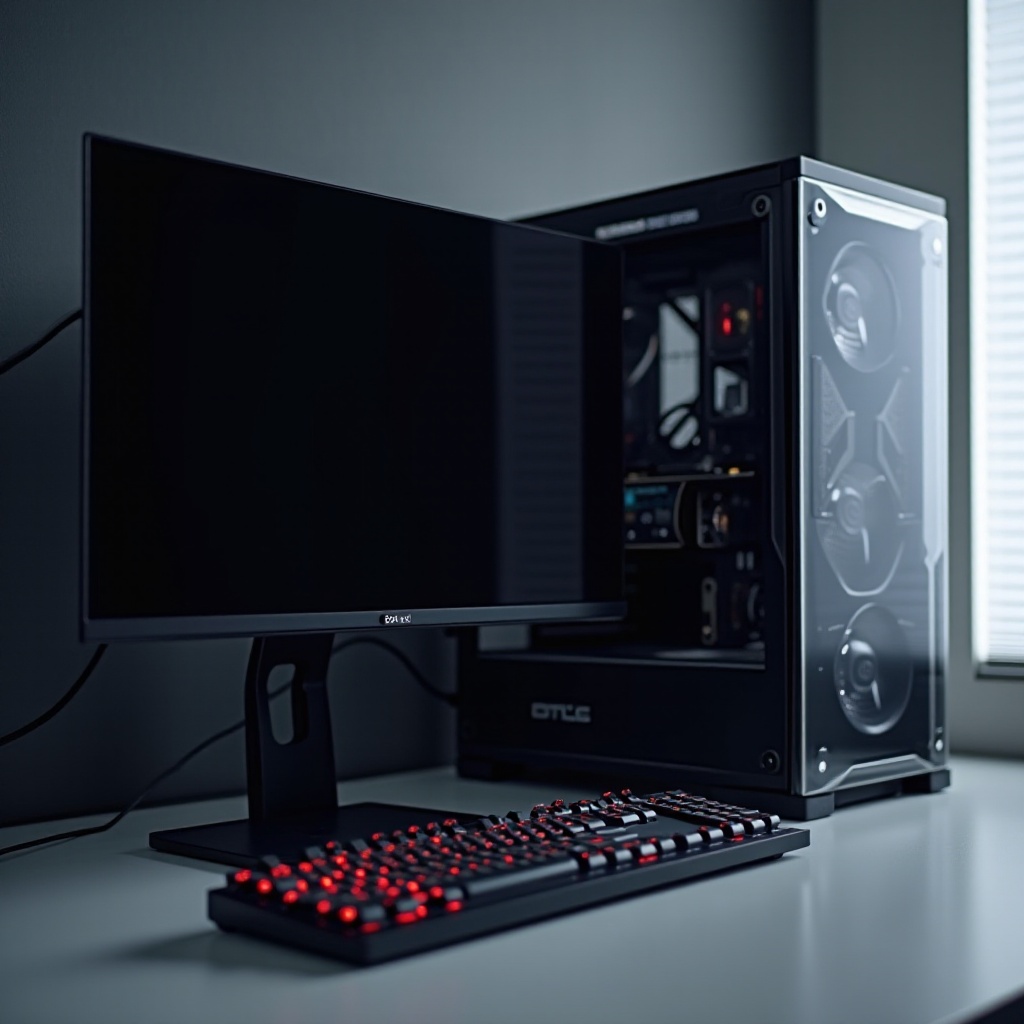
How to Choose the Right Computer Case with Monitor for Your Needs
Assessing personal and future requirements is key to selecting the best-integrated setup.
Considerations for Gamers, Professionals, and Casual Users
- Gamers: Look for high refresh rates and responsive performance.
- Professionals: Prioritize monitor resolution and multi-tasking capabilities.
- Casual Users: Focus on balanced cost and functionality.
Budget Considerations and Best Value Options
Outline a clear budget and prioritize critical features that offer the best value within that range.
Thinking Ahead: Scalability and Support
Prepare for technological advancements by choosing setups with support for future upgrades and enhancements.

Conclusion
Finding the perfect computer case with a monitor involves balancing personal needs, technological features, and future possibilities. Understanding these integrated setups’ advanced features and how they can enhance your productivity or entertainment ensures a wise investment, tailored to boost efficiency and enjoyment.
Frequently Asked Questions
Are computer cases with monitors suitable for gaming?
Yes, there are models designed specifically for gaming with high refresh rates and advanced graphics support.
Can I upgrade the components in an integrated computer case?
While upgrades are possible, they may be limited compared to traditional setups, varying by model.
What should I consider when setting a budget for a computer case with a monitor?
Prioritize features like monitor quality and future upgrade potential while balancing cost and desired functionality.