Introduction
Choosing the right laptop is crucial for graphic designers. A powerful laptop not only supports complex software but also enhances creativity and efficiency. With exciting technological advancements emerging in 2024, designers can harness new capabilities to refine their artistry. High-performance hardware innovations have opened up fresh opportunities for creative professionals seeking to push their boundaries.

Key Features to Consider When Choosing a Graphic Design Laptop
For graphic design, selecting a laptop with optimal specifications is essential. Here are the key attributes to prioritize:
- Processor and RAM: A multi-core processor ensures seamless multitasking. Aim for at least 16GB of RAM to support demanding design software.
- Graphics Card and Display: A dedicated graphics card is crucial for rendering complex visuals. Opt for a high-resolution display like 4K with excellent color accuracy.
- Portability vs. Performance: Determine your need for mobility. Lighter laptops offer convenience, while heavier models might deliver better performance.
- Battery Life and Build Quality: Ensure your laptop has a long-lasting battery and sturdy construction for frequent use.
These features can significantly streamline your workflow and enhance your design capabilities, allowing for more fluid and comprehensive creative outputs.
Top Graphic Design Laptops of 2024
2024 brings several outstanding choices for laptops that excel in performance and design features:
-
Apple MacBook Pro 16-inch with M3 Chip: With its cutting-edge M3 chip, this laptop delivers unmatched speed and efficiency. Its Retina display and robust build make it popular among designers seeking reliability and quality.
-
Dell XPS 17 2024 Edition: Known for its stunning infinity-edge display, the Dell XPS 17 combines power with elegance. Its balance of performance and portability makes it ideal for designers on the go.
-
Razer Blade 16 (2024 Model): Perfect for demanding design tasks, this sleek laptop offers superior graphics capabilities and high performance, making it a versatile choice.
-
ASUS ZenBook Pro Duo 2024: Featuring a dual-screen setup, this laptop enhances productivity by providing additional screen space for multitasking.
These laptops provide designers the tools they need to execute their creative visions without limitations, empowering them to achieve remarkable results.
Best Budget-Friendly Laptops for Graphic Designers
If you’re a designer on a budget, there are excellent laptops available that won’t break the bank:
-
Lenovo IdeaPad Creator 5: With its solid performance and adequate display, it’s suitable for most graphic design tasks without costing too much.
-
Acer Swift X 2024 Edition: Compact but powerful, this laptop supports your graphic design needs while remaining affordable.
These options ensure affordability while maintaining the quality and efficiency necessary for the design process, making them great choices for designers prioritizing budget.
Operating Systems: macOS vs. Windows for Designers
Choosing between macOS and Windows can impact your workflow and software compatibility:
-
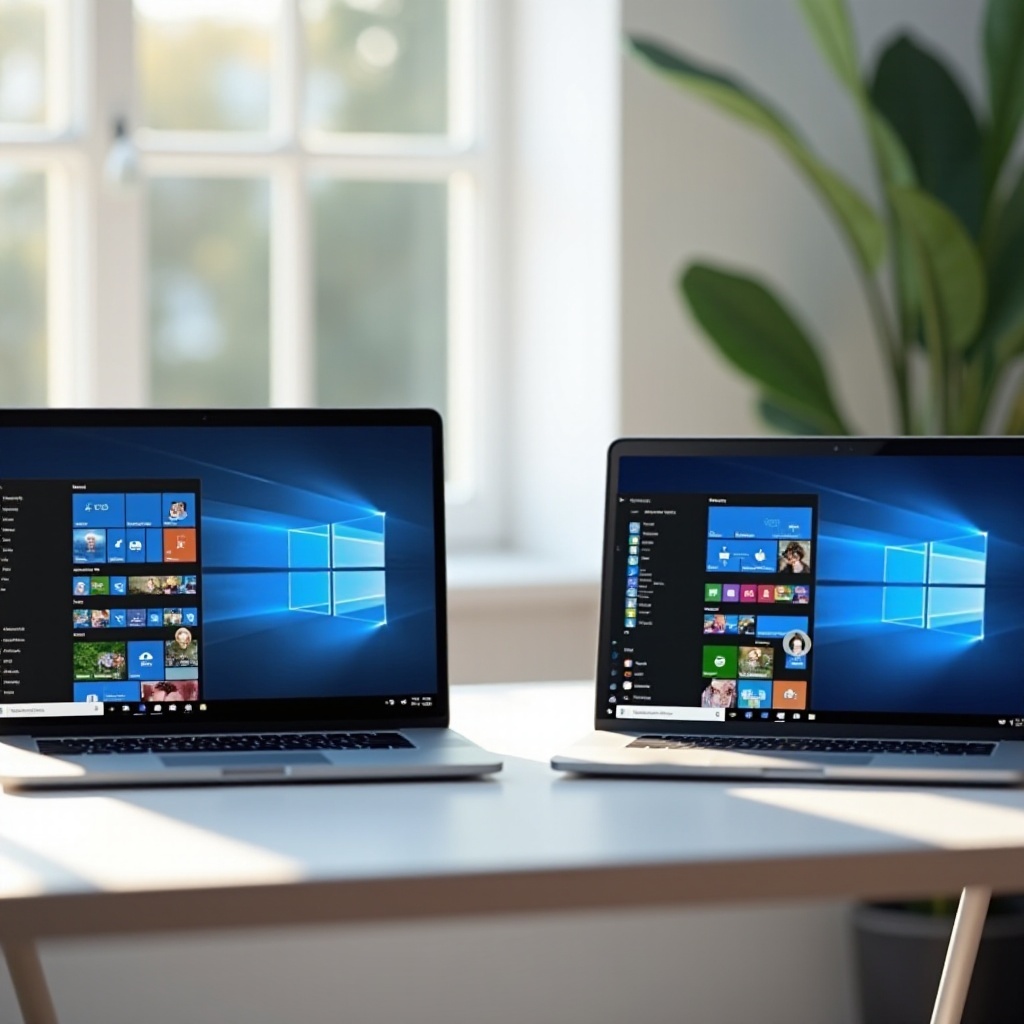
Pros and Cons of macOS: macOS is intuitive and user-friendly, with seamless integration into Apple’s ecosystem. However, it can be more expensive and provide less flexibility in software choices.
-
Pros and Cons of Windows: Windows offers a wide range of compatible hardware configurations at various price points. While flexible, it might require more maintenance to ensure optimal performance.
Ultimately, your choice depends on personal preferences and professional requirements, taking your current setup and future needs into consideration.
Accessories and Additional Considerations for Maximum Productivity
Maximize your productivity further with the right accessories:
-
External Monitors and Calibration Tools: Enhance your visual accuracy and expand your workspace with an external monitor adaptable to your creative process.
-
Docking Stations and Peripheral Compatibility: Improve connectivity and organization with docking stations, and select peripherals like drawing tablets that meet your specific needs.
These tools complement your laptop, creating a more efficient design environment and empowering you to execute projects with precision and flexibility.
Conclusion
Investing in the best graphic design laptop is crucial for enhancing your creative capacity and realizing your artistic potential. Evaluate your professional needs, and prioritize features that will aid your productivity and creativity. Whether opting for high-end laptops or budget-friendly solutions, these choices offer the performance and reliability indispensable for success in the dynamic world of graphic design.
Frequently Asked Questions
What is the most important laptop feature for graphic design?
The graphics card is critical as it affects rendering and display quality, vital for detailed graphic work.
Can I use a gaming laptop for graphic design work?
Yes, many gaming laptops have powerful graphics and processors suitable for design tasks.
How much RAM do I need for graphic design in 2024?
At least 16GB of RAM is recommended to handle the demands of modern design software efficiently.