Introduction
Mini PCs have revolutionized the way we approach computing, particularly when it comes to emulating older gaming systems and software environments. These small but mighty devices pack enough power to handle sophisticated tasks, all while maintaining a compact form that fits seamlessly into any space. Perfect for gamers and tech enthusiasts alike, mini PCs offer an efficient, portable way to relive classic games and run applications smoothly. This guide will delve into why mini PCs are ideal for emulation, highlight key features to consider, and review some of the top models available in 2024.
Why Mini PCs are Perfect for Emulation
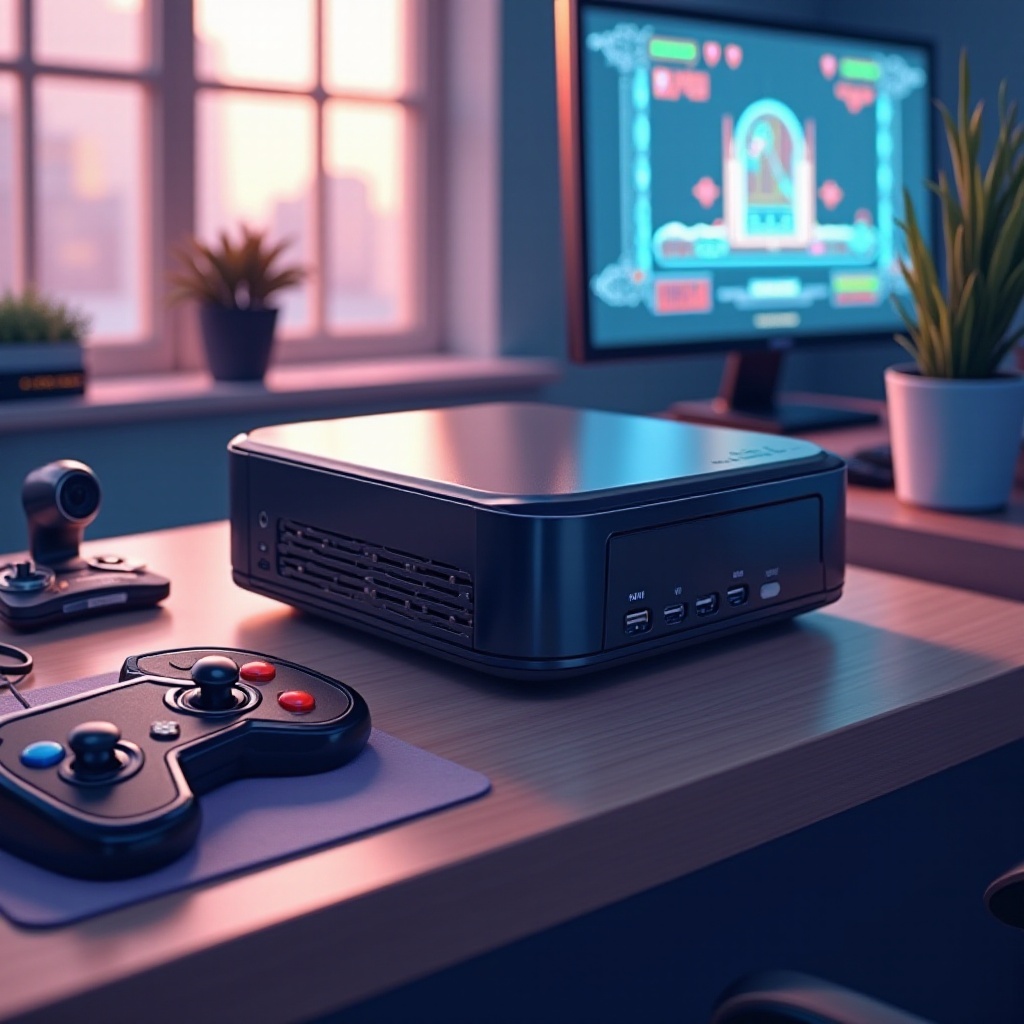
The charm of mini PCs lies in their ability to blend power and portability. Equipped with advanced processors and capable graphics, these devices aren’t just about saving space—they bring significant capability to the table. This makes them perfectly suited for emulation, which requires both computational heft and graphical smoothness. Whether you’re aiming to replicate retro gaming consoles or explore legacy software, mini PCs can handle the task with efficiency. Understanding what to look for in these devices is crucial as you move forward.
Key Features to Look for in Mini PCs for Emulation
Selecting the right mini PC involves assessing hardware specifications that align with emulation needs.
-
Processor and Graphics Power
A strong processor forms the backbone of effective emulation. Look for models with at least an Intel Core i5 or AMD Ryzen 5 processor. Regarding graphics, while a dedicated GPU isn’t always necessary, integrated graphics like Intel’s Iris Xe or AMD’s Radeon Vega can significantly enhance performance. -
RAM and Storage Requirements
Ample RAM is crucial for smooth emulation. Opt for a device with at least 8GB of RAM; however, 16GB is preferable for handling more intensive tasks. When it comes to storage, speed is key. SSDs are recommended over traditional HDDs for their faster data retrieval speeds, directly impacting load times. -
Connectivity and Port Options
A range of ports is beneficial for connecting peripherals, displays, and storage devices. Ensure your mini PC has HDMI, USB 3.0, and USB-C ports, along with robust Wi-Fi and Bluetooth capabilities.
These features form the basis of a capable mini PC setup. Now, let’s examine some standout models for 2024.
Top Mini PCs for Emulation in 2024
After discerning the necessary features, the next step is to identify models that are making waves in 2024:
-
Intel NUC 13 Enthusiast
Known for its processing power and integrated graphics, this model excels in handling complex emulation tasks. Its sleek design makes it a suitable inclusion in any tech setup. -
ASUS PN63-S1
This mini PC offers a balance of performance and connectivity, boasting modern Intel Core processors and fast SSD storage. It’s a versatile choice for various emulation purposes, thanks to its extensive port options. -
Beelink GTR6
Favored for its cost-effectiveness, the GTR6 doesn’t skimp on performance. It houses an AMD Ryzen processor with Radeon graphics, making it a popular choice for budget-conscious users who need efficiency.
These models exemplify what can be achieved with mini PCs, demonstrating their prowess in emulation scenarios. After choosing the right model, the setup comes next.
Setting Up Your Mini PC for Optimal Emulation Performance
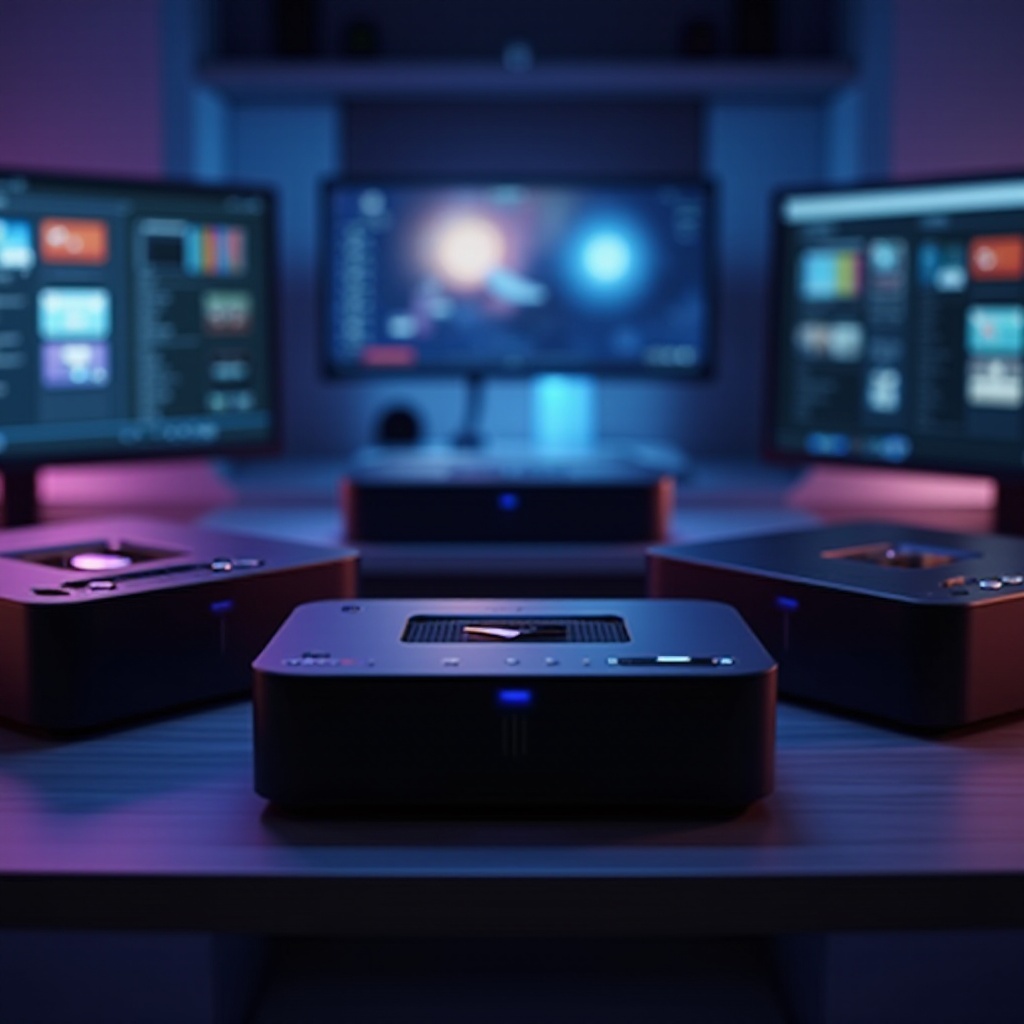
Setting up your mini PC properly is crucial to unleash its full potential in emulation.
-
Installing Emulation Software
Start by selecting compatible emulation software tailored to your specific needs, such as RetroArch or Dolphin. Install this software, ensuring your drivers and system software remain up-to-date for the best performance. -
Configuring Settings for Best Performance
Within the emulation software, tweak settings to suit your hardware capabilities. Enable options like VSync to prevent screen tearing, and modulate graphics settings to optimize for performance while maintaining quality.
Having a well-configured setup minimizes the risk of running into performance issues. Nevertheless, understanding how to troubleshoot common problems is equally essential.
Troubleshooting Common Emulation Issues
Even with a solid setup, occasional issues may arise. Here’s how to tackle them:
-
Addressing Lag and Performance Drops
Remove any unnecessary applications running in the background. This can free up resources for your emulation tasks. Also, keep your emulation software updated to take advantage of performance improvements. -
Solving Compatibility Problems
If you face issues with specific games or applications, check the community forums for known fixes or necessary configuration adjustments. These forums can provide valuable insights into resolving compatibility challenges effectively.
By understanding how to manage these common issues, you can ensure a smooth emulation experience.
Conclusion
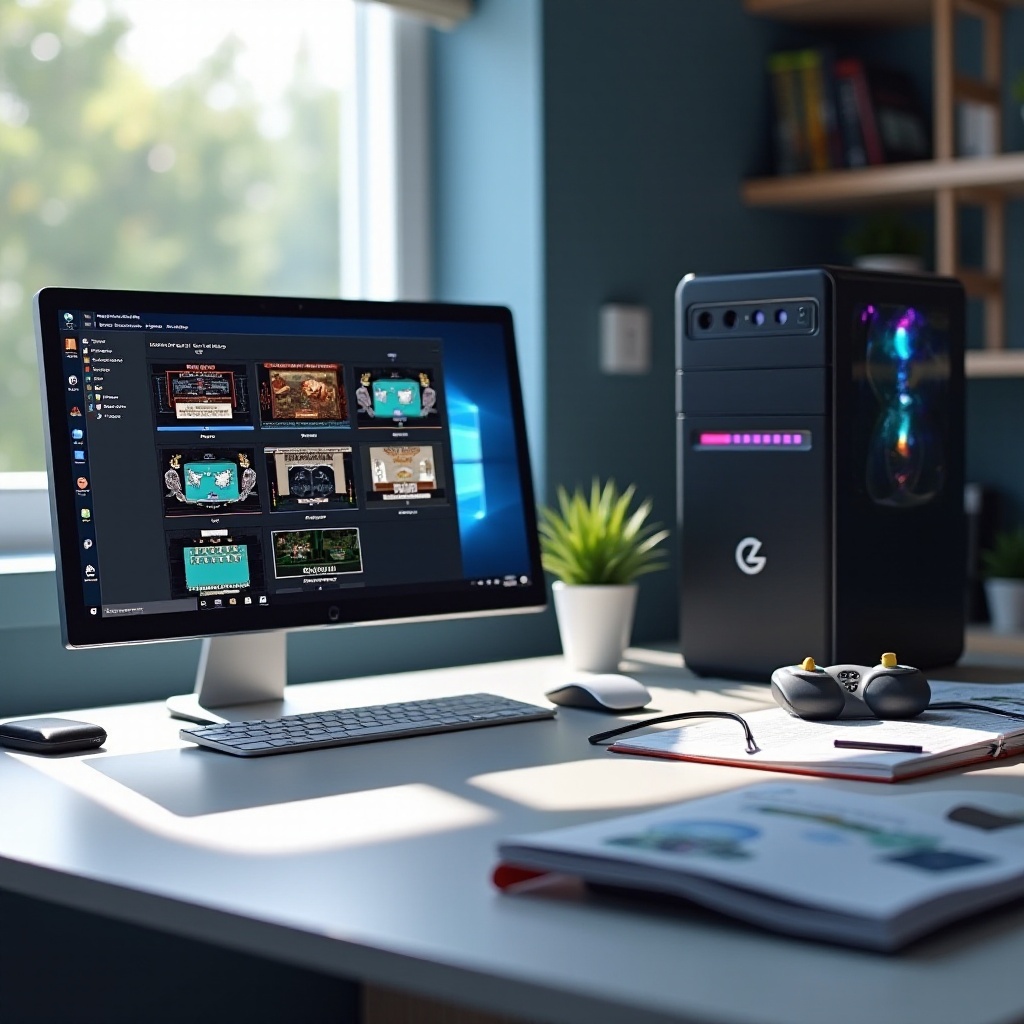
Mini PCs seamlessly combine power and portability, making them perfect companions for emulation enthusiasts. By understanding the critical features, evaluating top models, and properly setting up your device, you can delve deep into the world of emulation. The options available in 2024 ensure there’s a mini PC suitable for every user’s needs, paving the way for exciting possibilities and advancements in technology.
Frequently Asked Questions
What makes a mini PC suitable for emulation?
Mini PCs are ideal for emulation as they offer powerful processors, sufficient RAM, and adequate storage to handle gaming and software demands. Compact size and connectivity options add to their appeal.
Can a mini PC emulate high-end gaming consoles?
While mini PCs can emulate many older and some higher-end gaming consoles, replicating the latest high-end consoles may require more powerful hardware than a typical mini PC offers.
How can I improve the performance of my mini PC for emulation?
Improve performance by upgrading RAM, ensuring software is up-to-date, optimizing emulation settings, and closing unnecessary applications running in the background.