
Introduction
Enhancing your audio recordings with the right wireless microphone for your iPhone can make a significant difference in content quality. For vloggers, podcasters, or filmmakers, stellar audio is crucial. With more content creators using mobile devices, the demand for high-quality microphones has skyrocketed. This guide highlights the advantages of wireless microphones, essential features to look for, and the best models available in 2024.
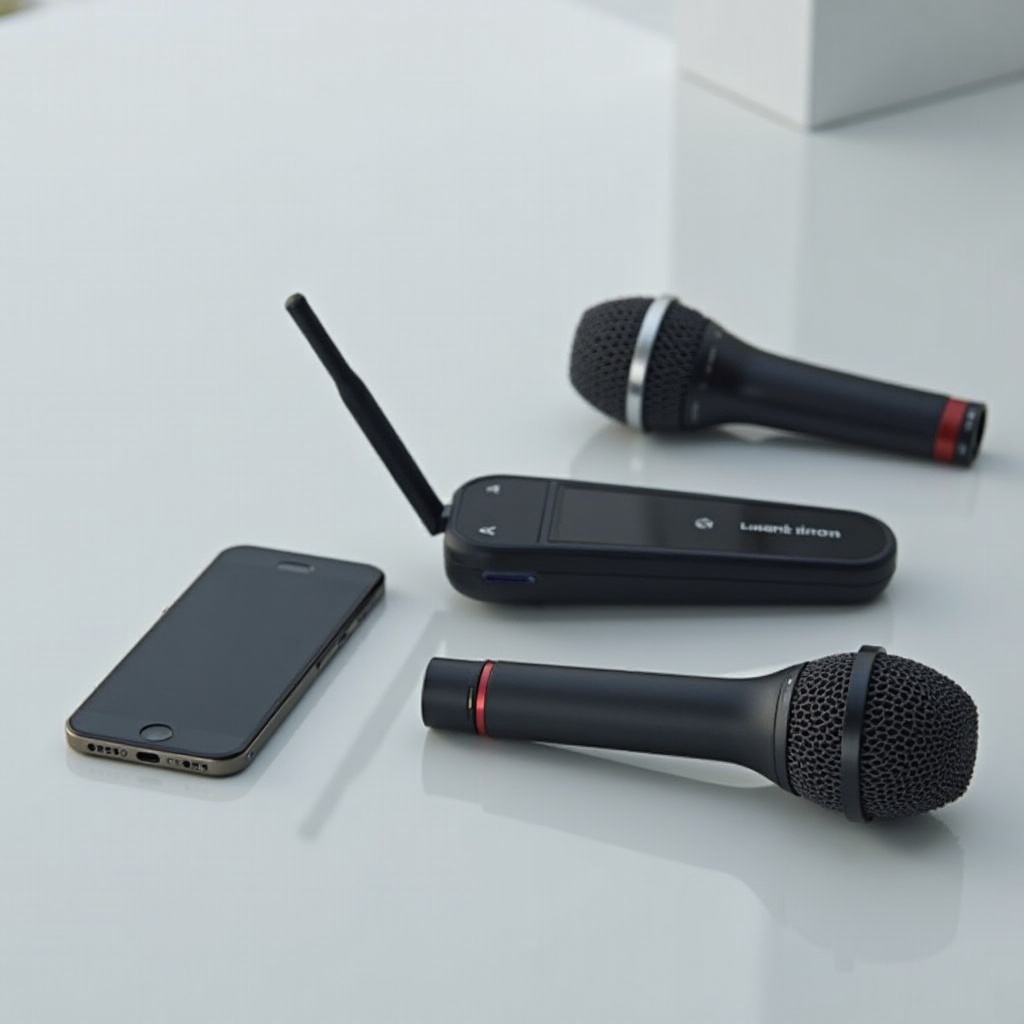
Why Choose a Wireless Microphone for Your iPhone?
Wireless microphones provide unmatched convenience and adaptability, essential for anyone invested in mobile content creation. Here are some compelling reasons to choose wireless:
- Mobility: You can move freely without cables, making dynamic content creation more straightforward.
- Enhanced Audio Quality: By staying close to the source of sound, these microphones reduce background noise for clearer audio.
- Professional Appeal: High-quality audio elevates your content, helping it to stand out in the competitive digital space.
Understanding these benefits ensures your content meets high audio standards, leveraging the latest technologies for optimal production.
Key Features to Consider When Selecting a Wireless Microphone
Selecting the right microphone involves considering several key elements to ensure top-notch performance:
- Audio Quality and Clarity: Choose microphones with a broad frequency response and low latency for capturing every sound detail.
- Battery Life and Charging: Look for long-lasting batteries and rapid charging options for uninterrupted recordings.
- Connectivity and Compatibility: Ensure compatibility with your iPhone model and consider wireless technologies that facilitate easy pairing.
These features help you find a microphone that aligns with your recording needs, maximizing your content’s potential.
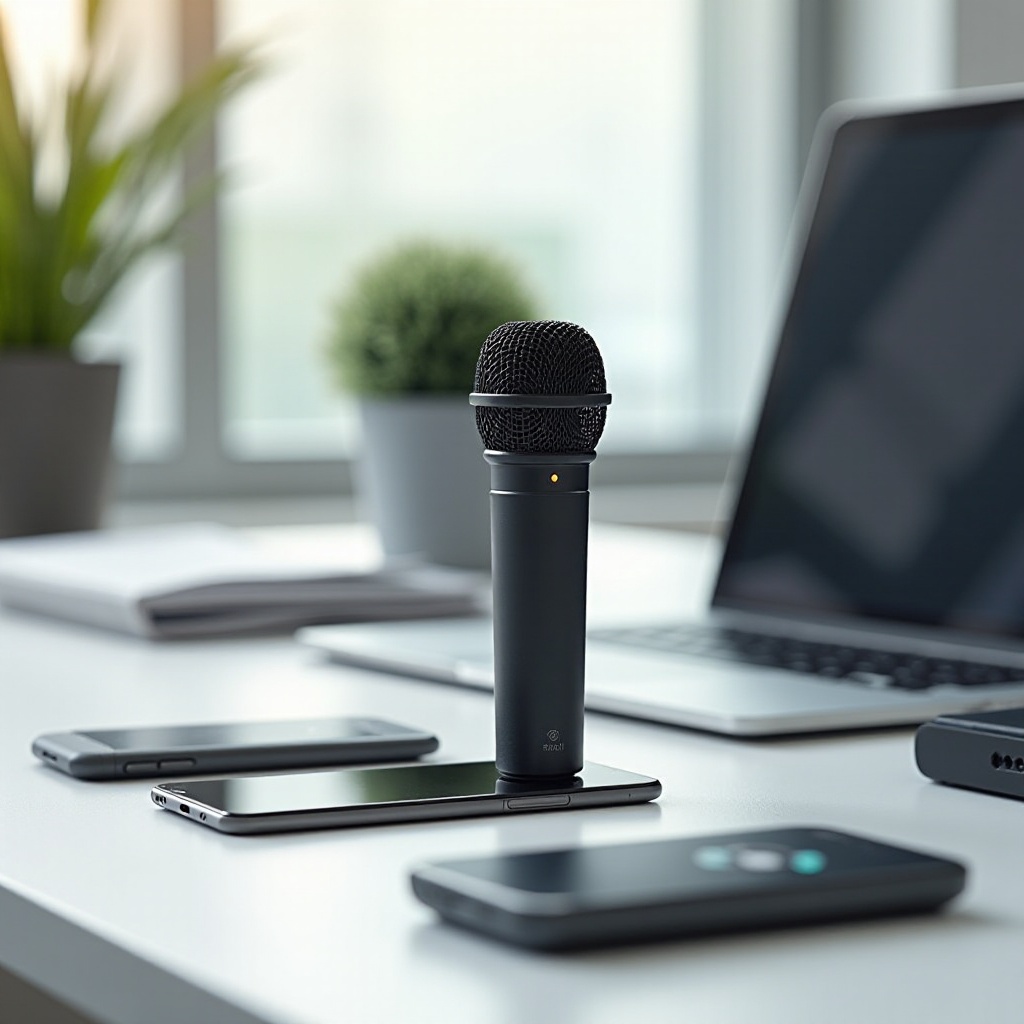
Top Wireless Microphones for iPhone in 2024
In 2024, several wireless microphones have become popular among content creators due to their quality and reliability:
- Rode Wireless GO II: Known for its compact design and outstanding sound, it integrates well with multiple devices, making it a reliable choice.
- Sennheiser XS Wireless Digital: Renowned for its range and simplicity, it suits those seeking ease without sacrificing audio accuracy.
- Shure MV88+ Video Kit: An all-in-one solution that works seamlessly with iPhones, offering excellent sound quality and user-friendly features for all skill levels.
These microphones each offer unique strengths, allowing you to select the one that best matches your specific audio recording needs.
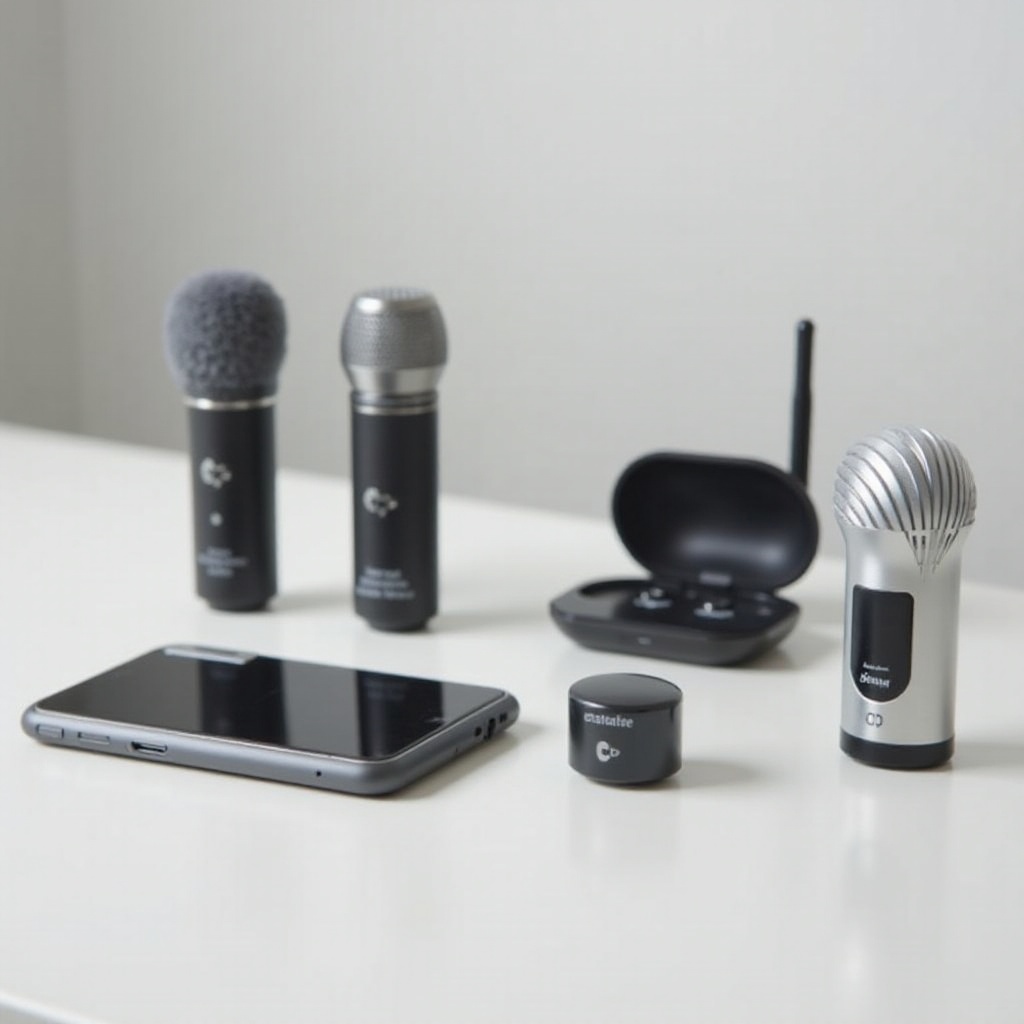
How to Get the Most Out of Your Wireless Microphone
After selecting your microphone, optimizing its use will ensure you achieve the best possible audio results:
- Optimal Setup and Alignment: Position your microphone to capture the clearest sound, typically at chest height or directly in front of your mouth.
- Tips for Reducing Interference: Record in areas with minimal wireless traffic, and update your microphone’s firmware to resolve compatibility issues.
These steps ensure that you use your equipment to its full potential, maintaining a high standard of quality in your recordings.
Comparing Budget vs. Premium Options
Though cost doesn’t always determine quality, understanding the distinction between budget and premium models can aid your decision-making:
- Features vs. Price: Budget models provide basic functionality, while premium options offer enhanced features like higher frequency response and extended range.
- Durability and Build Quality: Typically, premium models feature more robust construction to withstand frequent use and transport.
By considering these factors, you can choose the microphone that best suits your needs and budget, ensuring a wise investment.
Conclusion
Choosing the right wireless microphone can transform your iPhone into a tool for professional-grade audio recordings. Whether opting for an affordable or feature-rich option, understanding crucial features and setup tips is key. This will elevate the quality of your content, helping it stand out in mobile content creation’s competitive field.
Frequently Asked Questions
How do I connect my wireless microphone to my iPhone?
Most wireless microphones connect to iPhones via Bluetooth. Refer to the user manual for instructions on pairing your device.
Can I use a wireless microphone with any iPhone model?
Most wireless microphones are compatible with recent iPhones, but check the manufacturer’s compatibility guidelines before purchasing.
How do I maintain my wireless microphone for longevity?
Clean your microphone regularly with a soft cloth, store it in a case, and keep its firmware updated for optimal performance.