Introduction
HDMI CEC, or Consumer Electronics Control, enhances how we interact with home entertainment devices. This feature allows you to control your TV, sound system, and other HDMI-compatible devices using one remote, streamlining the entire viewing experience. It significantly reduces the clutter and confusion that come with multiple remotes and manual setups.
What is HDMI CEC?
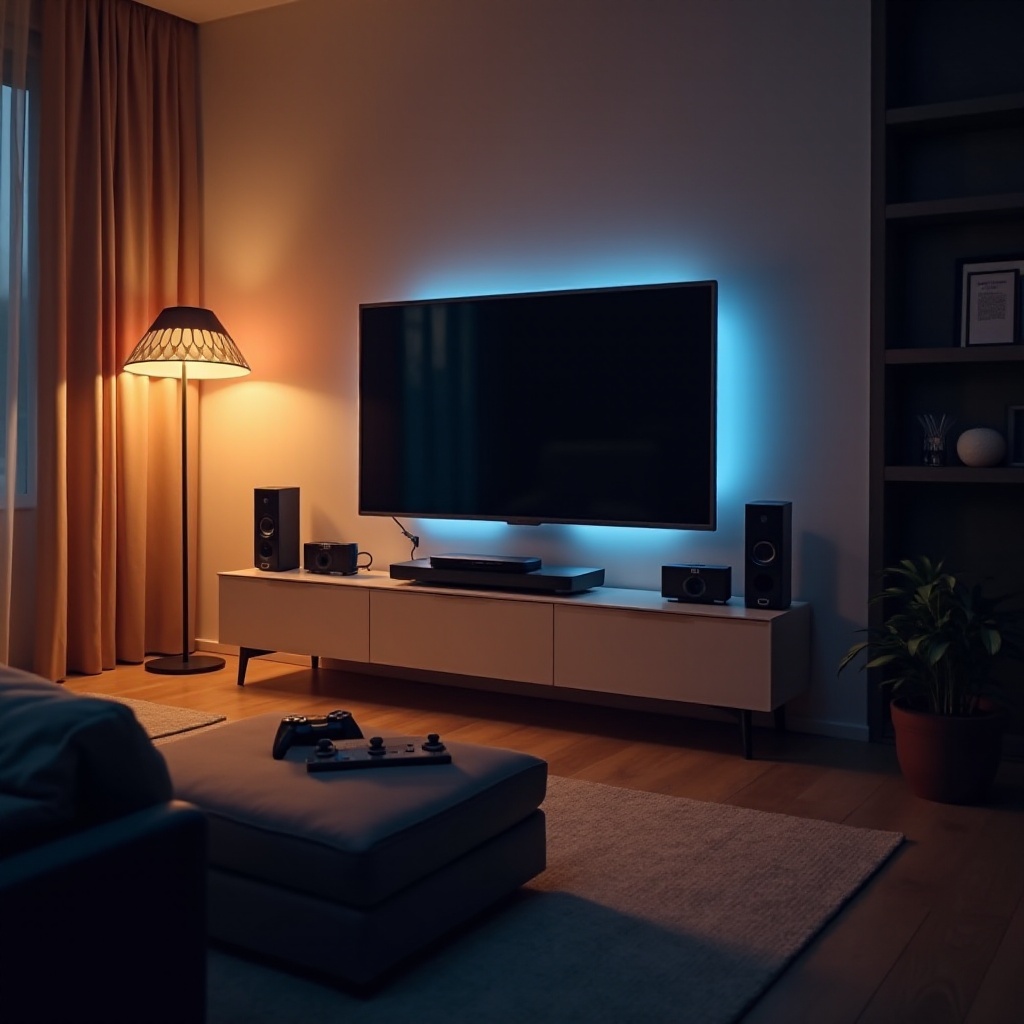
HDMI CEC is a protocol that facilitates communication between devices connected through HDMI. By enabling this feature, your TV can send and receive commands to other connected devices like a Blu-ray player or a soundbar, making them act synchronously. For instance, powering on your TV could also turn on your sound system and set it to the correct input, simplifying operations and enhancing convenience.
Benefits of HDMI CEC in Modern TVs
The advantages of HDMI CEC are manifold and directly impact how you manage and enjoy your entertainment setup.
1. Seamless Control: Consolidate control of up to 15 devices with one remote, reducing complexity and enhancing user satisfaction.
2. Enhanced User Experience: HDMI CEC allows automatic switching between devices. Your TV can automatically switch to a game console or streaming device as soon as it gets powered on.
3. Energy Efficiency: With synchronized power-off functions across devices, HDMI CEC contributes to smarter power consumption by reducing standby power wastage.
4. Ease of Use: Navigating your entertainment setup becomes intuitive, requiring minimal user intervention.
With these benefits in mind, investing in a television that supports HDMI CEC can transform your home entertainment setup into a well-coordinated system.
Top TVs with HDMI CEC in 2024
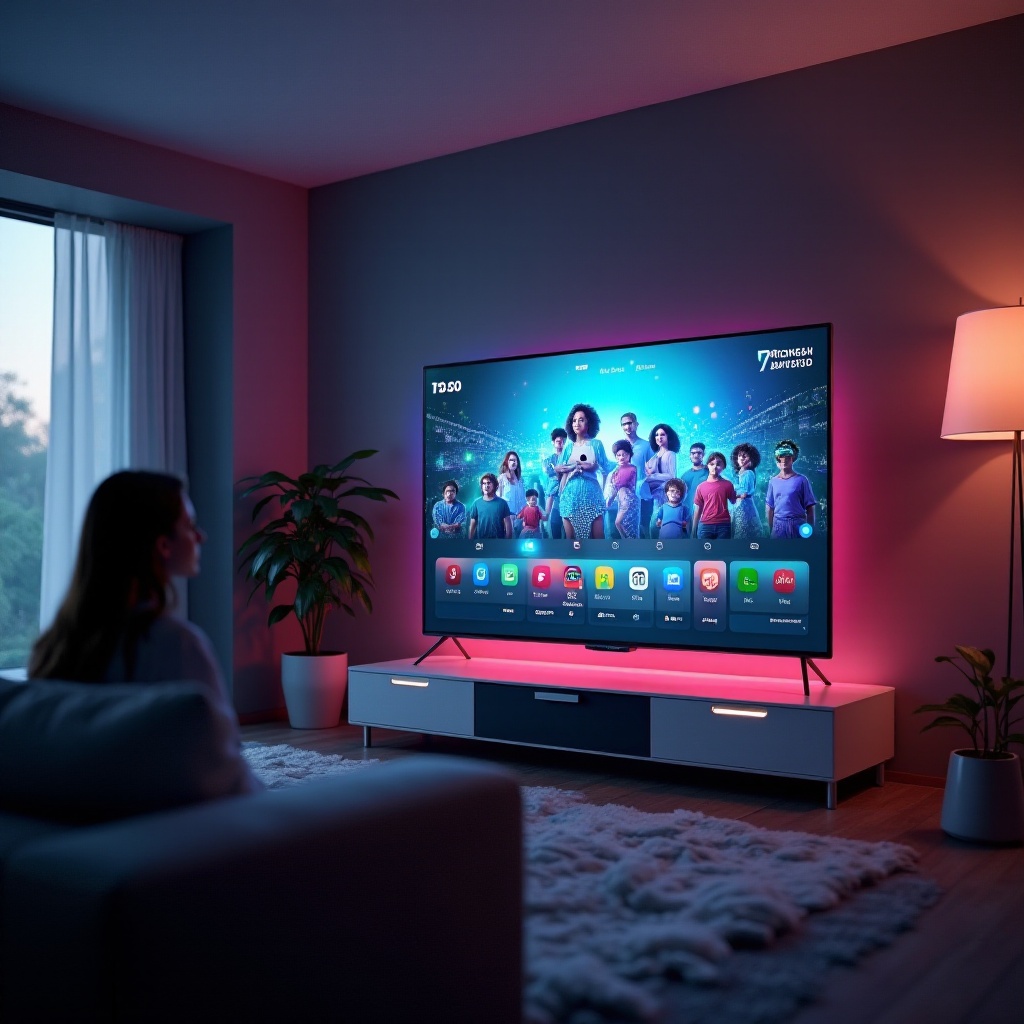
Discover top televisions in 2024 that excel with HDMI CEC capabilities:
– Samsung Neo QLED Series: Known for its breathtaking visuals and smart technology, these TVs ensure seamless CEC integration with other devices.
– LG OLED evo Series: Offering exceptional image quality, this series elevates user interaction with its comprehensive HDMI CEC functionality.
– Sony Bravia XR Series: Combining cognitive intelligence with CEC, Sony Bravia provides an intelligent, harmonious user experience across connected devices.
These models enable users not only to enjoy stunning graphics but to benefit from integrated systems that make TV and device management simpler and more efficient.
How to Set Up HDMI CEC on Your TV
Optimizing your setup with HDMI CEC can seem daunting, but the process is straightforward and worthwhile.
1. Locate the HDMI CEC Option: Navigate to your TV’s settings menu. This feature might appear under various brand-specific names like Anynet+ (Samsung), SimpLink (LG), or BRAVIA Sync (Sony).
2. Enable HDMI CEC: Turn on the CEC settings, ensuring all connected HDMI devices also have CEC enabled.
3. Connect Your Devices: Use high-quality HDMI cables to connect compatible devices correctly.
4. Test Your Setup: Switch on each device to verify whether CEC is functioning as expected, ensuring all respond to the TV remote.
Effective configuration will lead to smoother operation and compatibility, significantly enriching your entertainment experience.
Troubleshooting HDMI CEC Issues
Despite its advantages, users may face issues with HDMI CEC. Here’s how to tackle common problems:
1. Devices Not Responding: Verify all connections and confirm HDMI CEC is enabled on every device. Restart devices and TV to reset communication.
2. No Audio from External Device: Check audio output settings and ensure the correct device is selected for sound.
3. Intermittent System Control: Replace HDMI cables with higher quality alternatives to improve command reliability.
With these solutions, you can maintain a flawless home theater operation, ensuring HDMI CEC functions effectively.
Conclusion
HDMI CEC transforms your TV viewing by integrating multiple devices into a unified control system. This feature not only simplifies device management but enhances your overall home entertainment experience, making it a must-have for modern households.
Frequently Asked Questions
What devices are compatible with HDMI CEC?
Most modern HDMI-enabled devices like TVs, soundbars, Blu-ray players, and streaming devices support HDMI CEC for cross-brand compatibility.
Can HDMI CEC improve energy efficiency?
Yes, HDMI CEC can optimize energy consumption by synchronizing the power states of your connected devices, ensuring they switch off together.
How can I tell if my TV supports HDMI CEC?
You can check your TV’s user manual or settings menu for terms like Anynet+, SimpLink, or BRAVIA Sync, which indicate HDMI CEC compatibility.